

7MMO
Moderator
If you are part of the Windows 11 Insider program, you may have finally received the option to test your internet speed directly from Quick Settings in the latest experimental build. That means no more going to a browser to see if your new broadband package is as speedy as advertised.
Those using Insider Experimental build 26340.9767 can simply click on Quick Settings and scroll down to see a speed test button (via Windows Latest). You can also find the network icon in the system tray, right-click it, and then select "Test internet speed". This will give you your download and upload speeds.
Up until now, Windows 11 users have been able to access an internet speed test from Windows settings, but clicking on it redirects you to a browser and then runs the test via Bing. It's a small barrier but still an annoying hurdle to get to a fairly simple tool.
Alongside this, Preview Build 26340.9767 adds feature flags (so you can filter your machine by which options are enabled / disabled), Quick Settings now gives access to mobile phones, it adds a Magnifier keyboard shortcut, it gives an easier way to access your Microsoft 365 subscription, and a few other things.
If you'd like to get access to the latest Insider Preview Builds, you can simply register to become an insider, then go into your Windows update settings, and select the latest option. Naturally, there's some risk with trying out developing tech, and the experience likely won't be as smooth as the traditional Windows build, but you do get access to some new features early.
(Image credit: Future)
As well as this, there's technically no guarantee that any Insider updates will actually come to the stable build of Windows 11. Insiders are sort of like beta testers for Windows software, and if enough feedback suggests the implementation is poor, Microsoft could listen to that and remove it from future updates.
Still, being able to check your internet connection speed without accessing a browser feels like an uncontroversial update. Skipping any barriers to get that information quicker feels beneficial to the end user, and I can certainly see myself using it next time I need to test it. Or, most likely, if I want to complain about how slow my speed is going on a given day.
Continue reading...
Those using Insider Experimental build 26340.9767 can simply click on Quick Settings and scroll down to see a speed test button (via Windows Latest). You can also find the network icon in the system tray, right-click it, and then select "Test internet speed". This will give you your download and upload speeds.
Up until now, Windows 11 users have been able to access an internet speed test from Windows settings, but clicking on it redirects you to a browser and then runs the test via Bing. It's a small barrier but still an annoying hurdle to get to a fairly simple tool.
Alongside this, Preview Build 26340.9767 adds feature flags (so you can filter your machine by which options are enabled / disabled), Quick Settings now gives access to mobile phones, it adds a Magnifier keyboard shortcut, it gives an easier way to access your Microsoft 365 subscription, and a few other things.
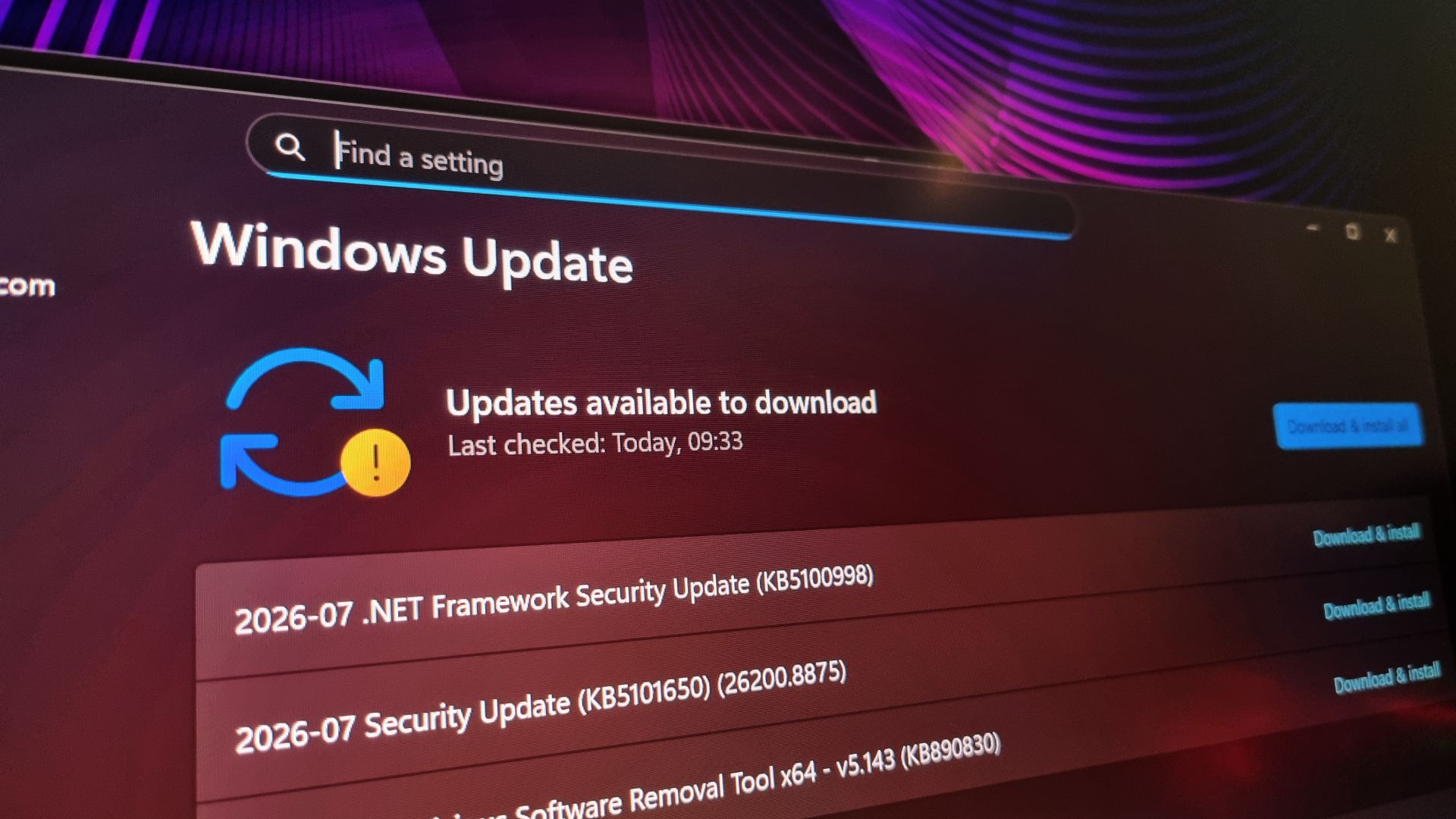
If you'd like to get access to the latest Insider Preview Builds, you can simply register to become an insider, then go into your Windows update settings, and select the latest option. Naturally, there's some risk with trying out developing tech, and the experience likely won't be as smooth as the traditional Windows build, but you do get access to some new features early.
(Image credit: Future)
As well as this, there's technically no guarantee that any Insider updates will actually come to the stable build of Windows 11. Insiders are sort of like beta testers for Windows software, and if enough feedback suggests the implementation is poor, Microsoft could listen to that and remove it from future updates.
Still, being able to check your internet connection speed without accessing a browser feels like an uncontroversial update. Skipping any barriers to get that information quicker feels beneficial to the end user, and I can certainly see myself using it next time I need to test it. Or, most likely, if I want to complain about how slow my speed is going on a given day.
Continue reading...
